
Graduation season has a funny side effect: everyone suddenly needs a good photo, and nobody has the time, budget, or a photographer who isn’t booked solid.
That’s where an AI graduation photo prompt comes in handy. Upload a clear selfie, paste a well-written prompt on Gemini and Chatgpt and you can get a cap-and-gown portrait that looks like it was shot on campus. It’s good for social posts, farewell cards, and family frames.
The catch is that most people get plastic skin, strange hands, and a gown that looks like a bedsheet. The difference is almost always the prompt and the photo you start with. Here’s how to get it right.
Table of contents
Before you start: 3 things that make or break the result
1. Use a good reference photo. Pick a front-facing, well-lit selfie with no heavy filters, sunglasses, or hats. The clearer your face is, the better the likeness.
2. Say what you want kept the same. Always include a line like “keep my face, hairstyle, and skin tone exactly the same.” Without it, the AI may “improve” you into someone else.
3. Describe the camera, not just the scene. Words like “85mm portrait lens,” “soft natural light,” and “shallow depth of field” push the result toward a real photograph and away from a digital painting.
You can use these prompts in ChatGPT, Gemini, or any image tool that lets you upload a photo.
Prompt 1: The classic campus portrait
This is the one to start with. It’s the standard cap-and-gown shot.
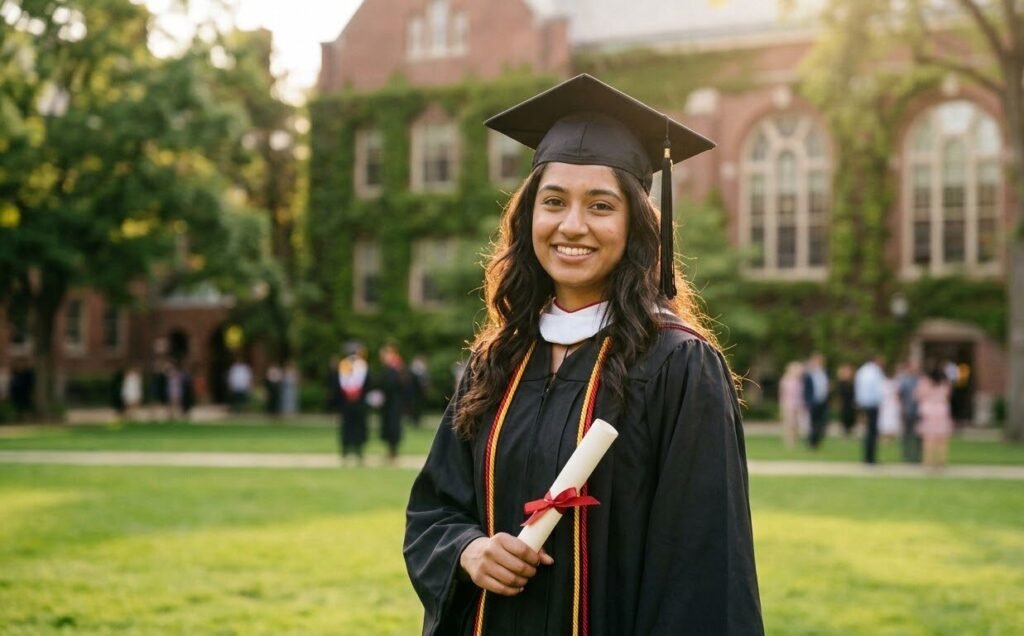
Tip: If the tassel or cap looks off, add “cap sitting flat on my head, not tilted” and run it again.
Prompt 2: Cap toss moment
Action shots feel more candid and tend to do well on Instagram and WhatsApp status.
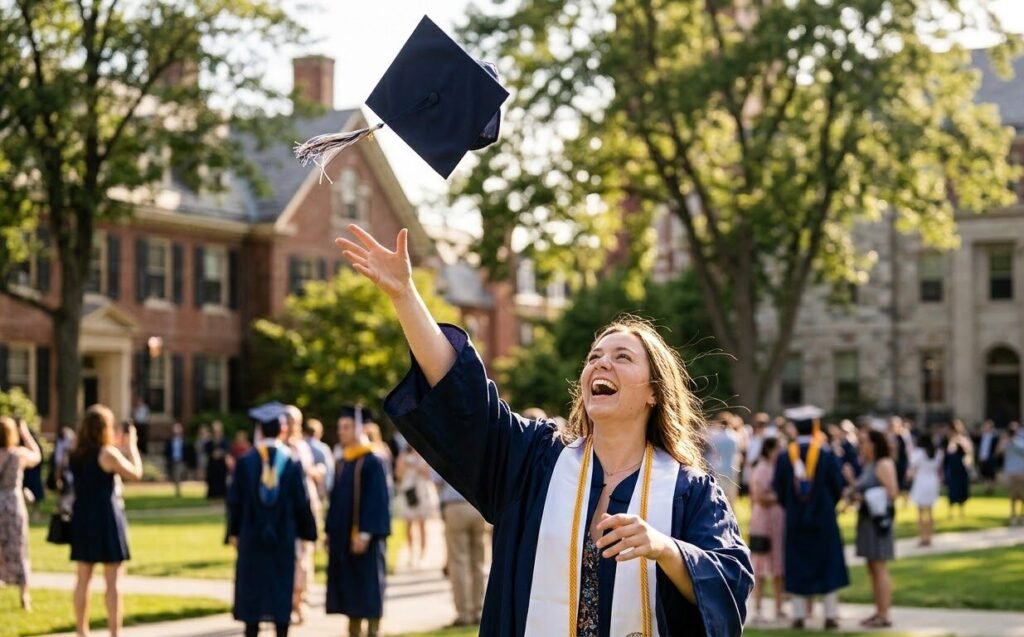
Tip: Hands are where AI struggles most. If the fingers look strange, try “both arms raised, hands open and natural” or crop the image tighter.
Prompt 3: Studio portrait for LinkedIn or a frame
This is a clean, professional look for a framed print or a “Graduated!” LinkedIn post.
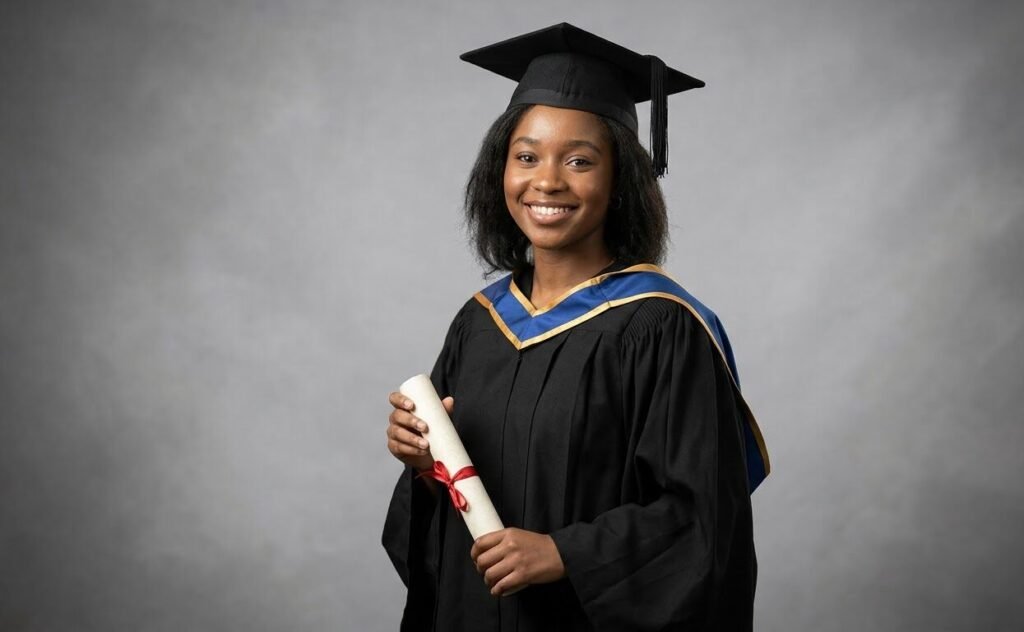
Tip: Add “no heavy retouching” or “natural skin texture.” This single phrase cuts down the over-smoothed look.
Prompt 4: Family or friends celebration shot
Group shots need more care, because the AI has to keep several faces consistent.
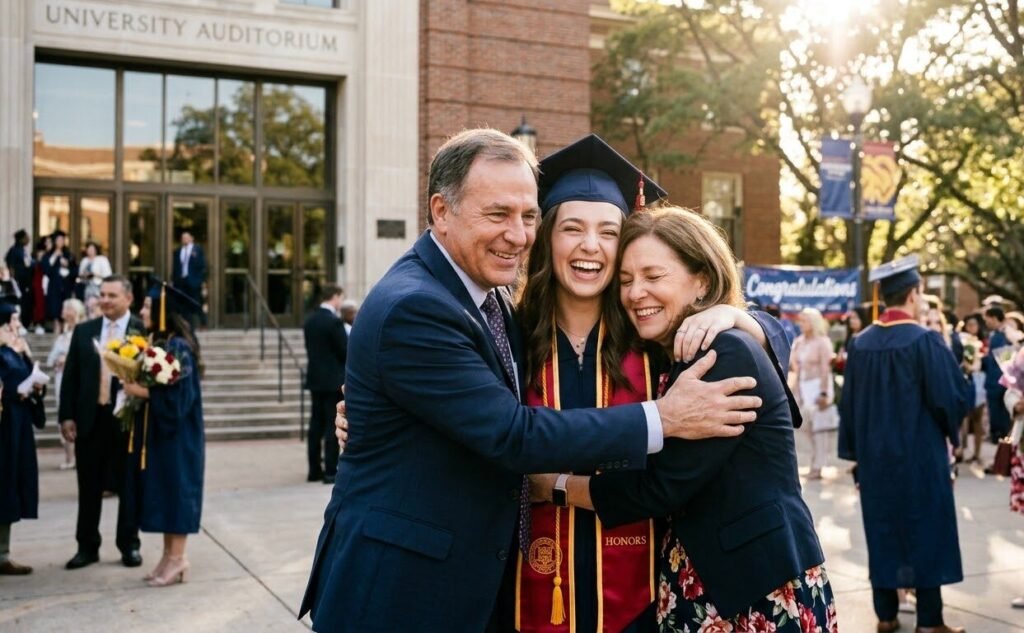
Tip: If you want your actual family in the image, upload their photos too and say “keep all three faces consistent with the uploaded photos.”
Prompt 5: Golden-hour memory shot
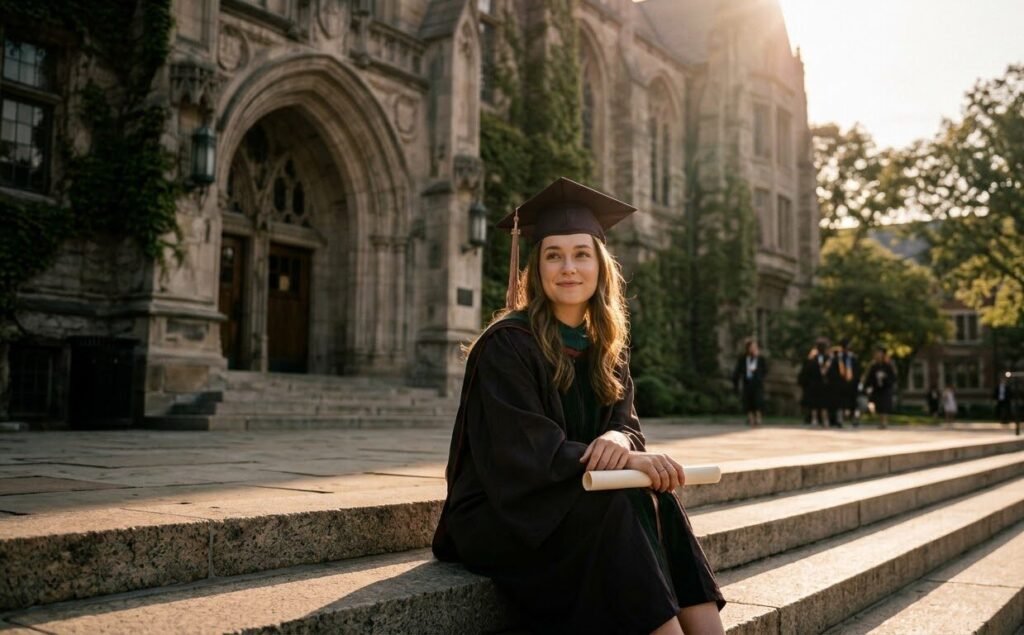
This one is for the moody, cinematic photo that looks great as a profile picture.
Tip: Sunset prompts can shift your skin tone to orange. Add “keep my natural skin tone, no color cast on the face” if that happens.
Common mistakes (and quick fixes)
- Face doesn’t look like you: Use a sharper reference photo and repeat the “keep my face exactly the same” line.
- Weird text on the gown or banner: Ask for “no text, no logos” or add the university name yourself later in an editor.
- Too glossy, too perfect: Add “natural skin texture, slight imperfections, real photograph.”
- Wrong gown color: Name the exact color and say what your university or school uses.
If the first result isn’t right, don’t rewrite the whole prompt. Change one detail at a time, like lighting, background, or pose, so you can see what actually helps.
A quick note on using AI photos responsibly
AI graduation photos are great for fun and personal use, but it’s good practice to mention they’re AI-generated if you post them publicly. And never use them on official documents, applications, or anywhere a real photo is required.
Final thoughts
You don’t need a professional shoot or a perfect campus day to get a graduation photo you’re proud of. Start with Prompt 1, tweak one detail at a time, and save the version you like best. If you try any of these, share your result with us on Daily Trending Prompts and also try this trending Cowboy prompt for follow the trend.
FAQs
What is the best AI graduation photo prompt?
The best prompt includes your outfit, location, lighting, camera style, and a “keep my face the same” instruction. Prompt 1 above is a reliable starting point.
Can I make an AI graduation photo for free?
Yes. Several AI image tools offer free daily credits that let you upload a photo and generate images, though limits vary by tool.
How do I make my AI graduation photo look realistic?
Start with a high-quality selfie, describe a real camera lens and natural light, and ask for natural skin texture instead of a polished look.
Can I use these prompts for a group photo?
Yes, but upload each person’s photo and ask the tool to keep every face consistent. Expect to run it a few times.