
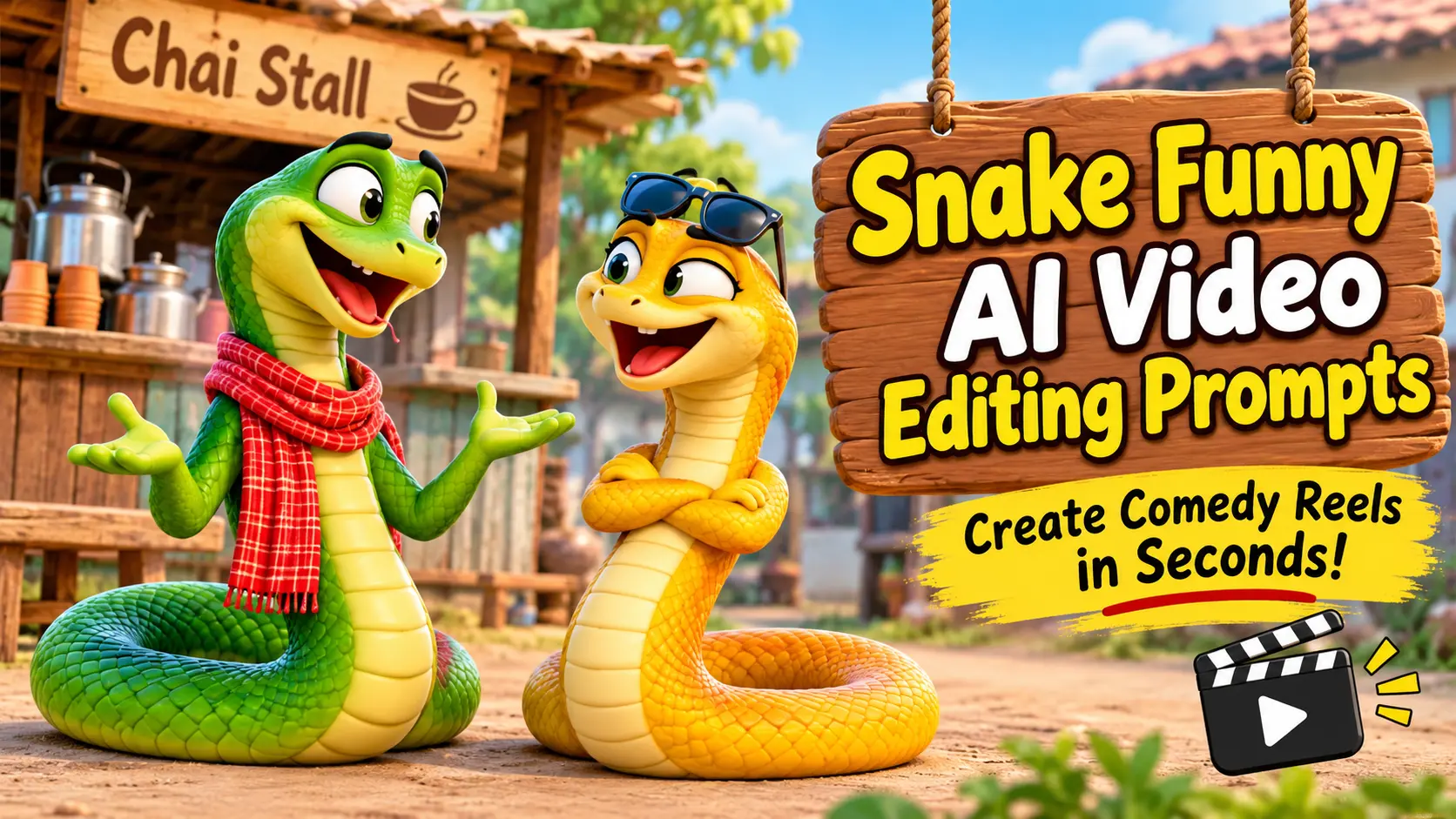
Have you come across those funny videos where a big green snake behaves like a normal human? Sometimes it is arguing with a friend, sometimes it is getting scolded by its wife, and sometimes it is doing something completely unexpected.
These cartoon-style snake videos are a fun idea for Instagram Reels, YouTube Shorts and other short-video platforms.
The interesting part is that you don’t need to animate a snake yourself. You can use an AI video generator to create these scenes with simple text prompts. Give the snake a funny personality, choose an everyday situation and add a good punchline.
In this article, you’ll find ready-to-use Snake Funny AI Video Editing Prompts with different comedy situations, including desi village scenes, snake friends, family jokes and funny conversations. You can copy a prompt, change the dialogue and create your own version.
What Is the Snake Funny AI Video Trend?
The snake funny AI video trend uses animated snake characters that behave like humans. These snakes usually have big expressive eyes, funny facial expressions and sometimes wear clothes or accessories.
Most videos feature a large green snake as the main character, along with smaller snakes playing the roles of friends, family members or neighbours.
The comedy comes from ordinary situations. For example:
- A snake arguing with his friend over a small mistake.
- A husband snake getting scolded by his wife.
- A snake trying to impress a female snake.
- A group of snakes making fun of their lazy friend.
- A snake getting caught while making an excuse.
The characters look like animated cartoon figures, but their actions and conversations feel familiar. This makes them suitable for short comedy videos.
Best Snake Funny AI Video Editing Prompts
Here are some original prompts you can use to create funny snake videos. Each one describes the character, location, action and expressions to help the AI understand the scene.
1. Green Snake and His Lazy Friend
A funny conversation between two snake friends can make a simple but entertaining reel.
Copy this prompt:
Suggested Hindi dialogue:
Green Snake: “Bhai, tu din bhar karta kya hai?”
Yellow Snake: “Main future planning karta hoon.”
Green Snake: “Kaisi planning?”
Yellow Snake: “Agle din bhi aaram kaise karna hai!”
2. Snake Husband Gets Scolded by His Wife
Make a funny family-comedy scene with a husband snake trying to escape household work.
Copy this prompt:
Suggested Hindi dialogue:
Wife: “Subah se kya kar rahe ho?”
Husband: “Ghar ki zimmedari sambhal raha hoon.”
Wife: “Kaunsi zimmedari?”
Husband: “Remote ko gum hone se bacha raha hoon!”
3. Snake Tries to Impress His Crush
A little romance mixed with comedy can make another entertaining snake reel.
Copy this prompt:
Suggested Hindi dialogue:
Male Snake: “Tumhare liye kuch bhi kar sakta hoon.”
Female Snake: “Achha, dance karke dikhao.”
Male Snake: “Ye dekho mera special step!”
Female Snake: “Ye dance tha ya earthquake?”
4. Snake Gets Caught Making an Excuse
5. Snake Family Taking a Selfie
How to Make a Funny Snake AI Video
You can create these videos using an AI video generator that supports text-to-video or image-to-video generation.
Follow these steps:
Step 1: Choose Your Snake Story
Start with a simple comedy idea. Don’t make the story complicated.
For example, your story could be about a snake who lies to his friend about being rich or a husband snake who makes excuses to avoid household work.
A short story with one funny situation is easier to turn into a good reel.
Step 2: Copy and Use an AI Video Prompt
Choose one of the prompts above and paste it into your preferred AI video generator.
Describe the snake’s colour, clothes, facial expressions, location and actions. Be specific about what happens in the scene.
If your tool supports image references, you can first generate a character image and use it as a reference for the video.
Step 3: Add Hindi Dialogue and Voice
The visual prompt and spoken dialogue are two different things.
Some AI video tools may generate speech, but you should not assume they will pronounce every Hindi line correctly or produce accurate lip-sync.
You can record your own Hindi dialogue or use a voice-generation tool. Add the audio to your video using an editor.
Keep the conversation short and natural. A funny punchline works better than a long explanation.
Step 4: Edit Your Video for Reels
Once the video is ready, open it in a video editor.
- Trim unnecessary pauses.
- Add Hindi captions so people can understand the joke without sound.
- Use light background music if it suits the scene.
- Add small sound effects for funny reactions.
- Keep the video in vertical 9:16 format.
Watch the final video once before publishing. Check whether the dialogue matches the character’s actions and whether the punchline is easy to understand.
How to Make Your Snake AI Videos More Interesting
Simply generating a green snake is not enough to make every video entertaining. A little planning can make your videos feel more like original comedy content.
Give your snake a fixed personality
Make one character the funny, confident hero. Give another character a lazy or innocent personality. When viewers recognise the same characters in different videos, they can follow the stories more easily.
Use familiar Indian situations
Try situations that people can relate to, such as:
- Husband and wife arguments.
- Friends fighting over money.
- Village gossip.
- School and office problems.
- Family conversations.
- Funny excuses for being late.
Keep the dialogue short
Don’t fill a 10-second video with too many conversations. Use two or three short lines and leave enough time for facial expressions and reactions.
Keep the characters consistent
This is one of the most common problems with AI-generated videos. The snake may look different in the next scene, or its clothes and facial features may change.
To avoid this, repeat the same character description in every prompt. If available, use a character reference image or seed setting.
Create a punchline at the end
A funny video needs a clear ending. Build the situation first, then reveal something unexpected.
For example, a snake says he is going to the gym every morning. At the end, viewers discover that he only goes there to use the free Wi-Fi.
How to Create a Two-Part Snake Comedy Video
If you want to make a slightly longer story, divide it into two short clips.
For example:
Part 1: The Problem
A green snake tells his friend that he has found a new job. His friend gets excited and asks about his salary.
Part 2: The Funny Twist
The green snake says that the job is to sleep in a shop and guard the pillows.
To connect both clips properly:
- Use the same character descriptions in both prompts.
- Keep the location, clothes and lighting unchanged.
- End Part 1 with a clear character pose.
- Start Part 2 from that same pose.
- Join both clips in a video editor and check the transition.
This makes the two clips feel more like one continuous conversation.
Final Thoughts
Funny snake AI videos are a creative way to make short comedy content without manually animating characters. You can try different stories, create recurring snake characters and experiment with Hindi conversations.
Start with one simple idea, such as two snake friends arguing or a husband snake making excuses. Use the prompts above, add your own dialogue and see which type of comedy works best with your audience.
The best part is that you can keep changing the story while using the same characters. This gives you plenty of ideas for your next reel.
FAQs
1. How can I create a funny snake AI video?
Choose a funny story, copy an AI video prompt and paste it into a text-to-video generator. Generate the scene, add dialogue and edit the final clip for Instagram Reels or YouTube Shorts.
2. Which AI tool can make funny snake videos?
You can try AI video generators that support text-to-video or image-to-video creation. Dreamina is one option. You can also explore other video generation tools depending on their available features and pricing.
3. Can I create snake AI videos with Hindi dialogue?
Yes. Write your dialogue in Hindi and add it through the tool’s supported speech feature or a separate voice recording. Check the pronunciation and timing before publishing.
4. How do I keep the same snake character in every video?
Use the same character description, colours, clothes and facial features in every prompt. If your AI tool supports reference images, use the same image to guide each generation.
5. Can I upload AI snake videos to Instagram?
You can publish your original AI-generated comedy videos on Instagram, provided they follow the platform’s content and disclosure rules. Avoid using copyrighted music or other people’s content without permission.
6. What is the best video size for snake comedy reels?
Use a vertical 9:16 aspect ratio. A resolution of 1080 × 1920 pixels is a suitable target for Instagram Reels and YouTube Shorts.