
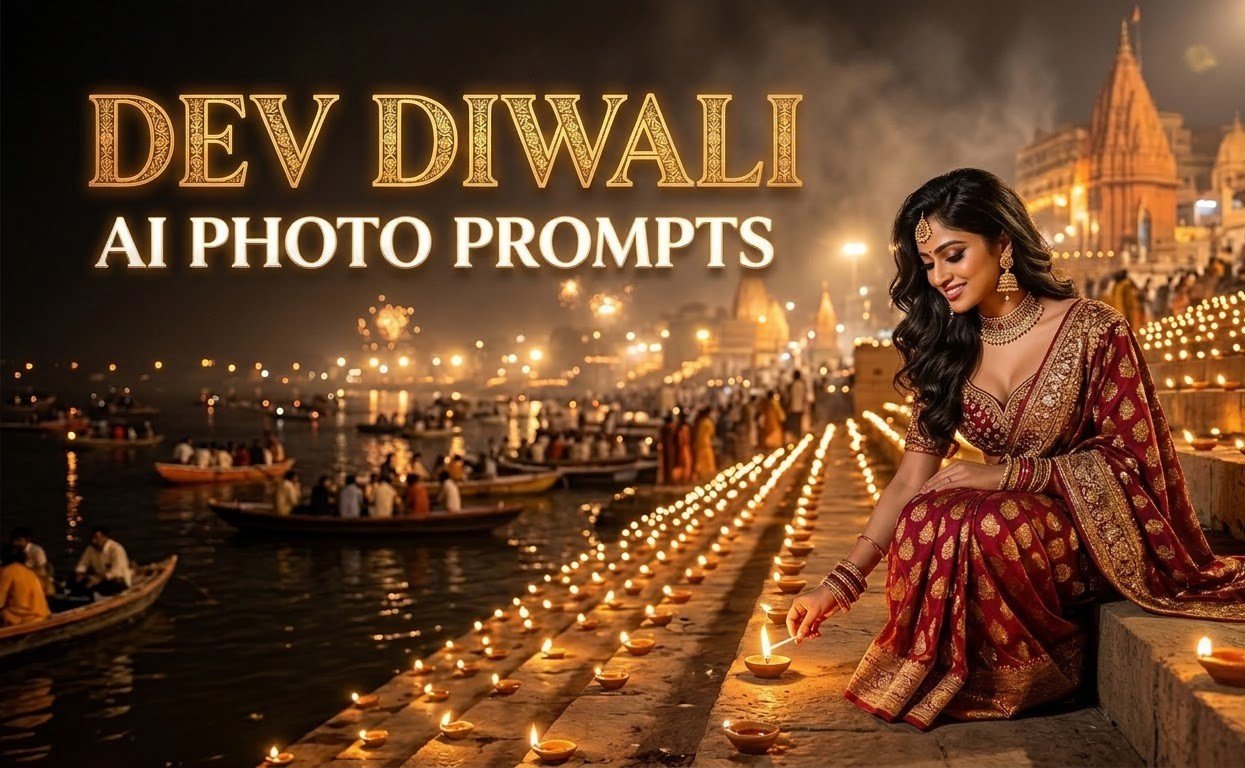
You can create a Dev Diwali photo by Dev Diwali AI photo prompts of yourself standing on a Varanasi ghat, using just one selfie and one prompt. Dev Diwali (also called Dev Deepawali) falls on Tuesday, 24 November 2026, on Kartik Purnima. That night, the Ganga ghats of Varanasi glow with lakhs of diyas.
Below are 4 simple prompts. Each one places you in a different Varanasi scene: lighting a diya on the ghat, a boat ride on the Ganga, the evening aarti, and an old Varanasi lane. Upload your photo, paste the prompt, and change a few words to suit you.
Table of Contents
Before you start: 4 quick tips for Dev Diwali AI photo Prompts
- Use a good photo. A bright, sharp, front-facing photo where your face is clearly visible works best. A dark or blurry photo is the most common reason the face changes in the result.
- Use only your own photo. If you use someone else’s, take their permission first.
- Say “no text” in every prompt. AI tools often write Hindi and English words wrongly inside images. Add your wishes later in Canva or any phone editor.
- Write the size. Use 4:5 for Instagram posts, 9:16 for WhatsApp status and Reels, and 16:9 for wallpapers.
Prompt 1: You lighting a diya on the ghat
Best for: Instagram post, profile picture
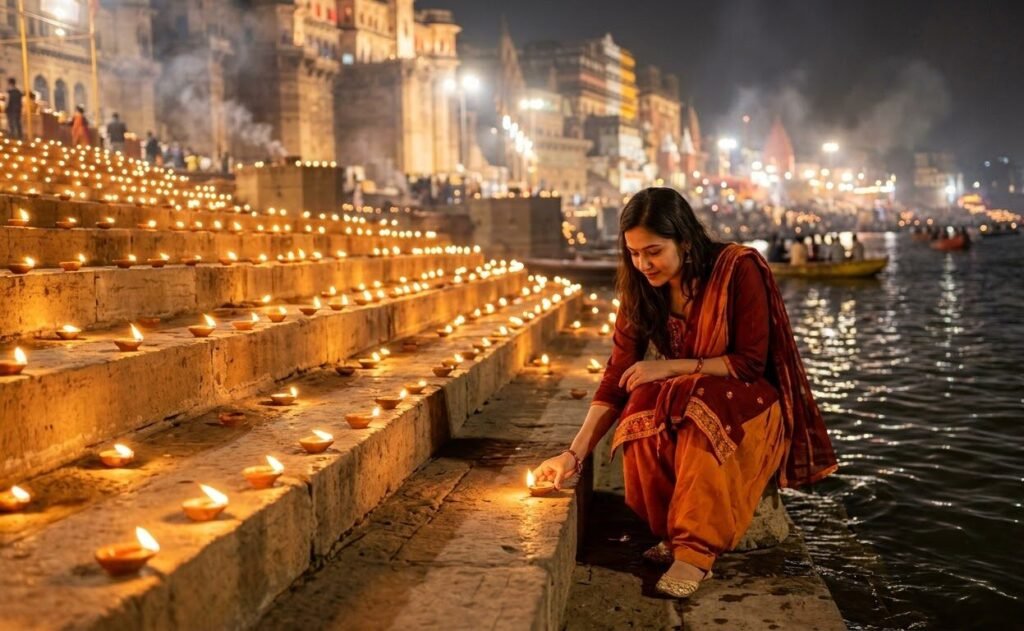
Tip: Add a line about clothes, like “wearing a cream kurta” or “wearing a simple saree”. If you skip it, the tool picks something on its own.
Prompt 2: You on a boat on the Ganga at night
Best for: WhatsApp status, Instagram Reels cover
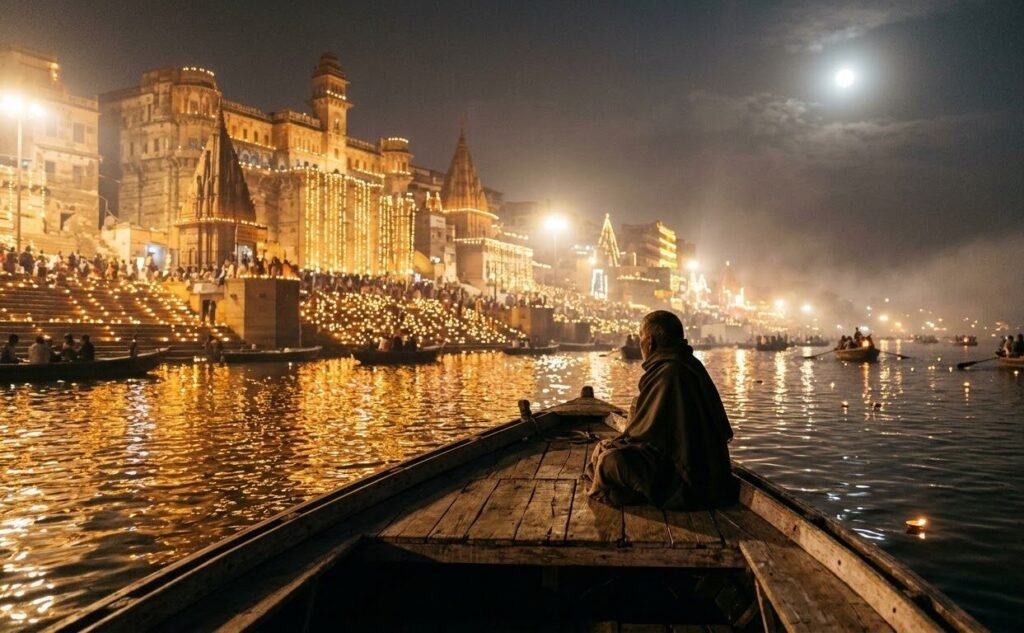
Tip: If the background looks too crowded, add “only one or two small boats far away”. If it looks like a painting, add “shot on a 35mm camera, natural light”.
Prompt 3: You at the Ganga aarti
Best for: Facebook post, wallpaper-style photo
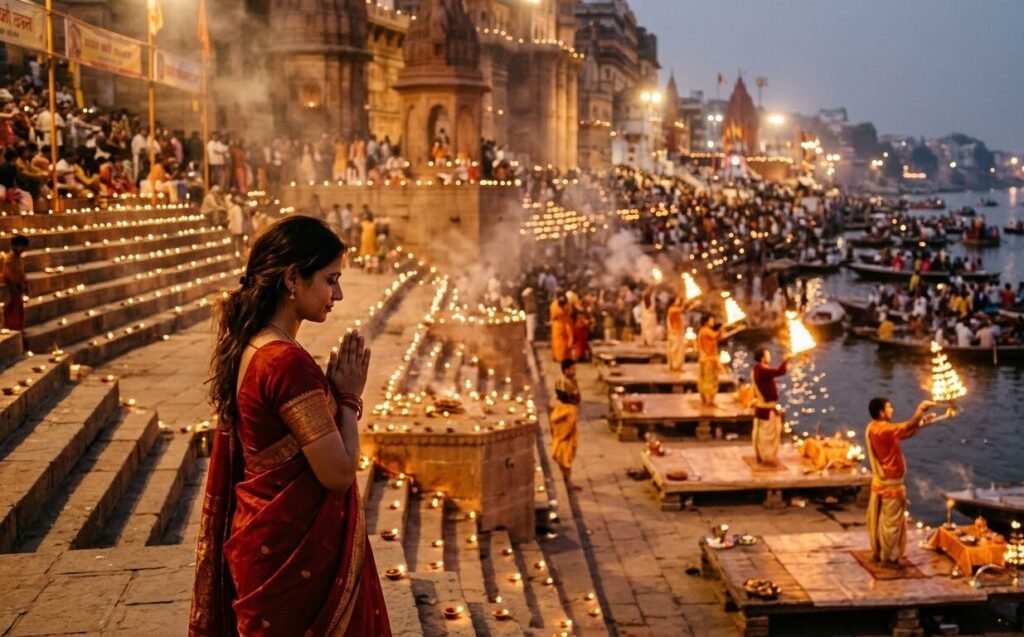
Tip: Keep the background people blurred and far away. Close-up faces of many people are where AI tools most often make mistakes.
Prompt 4: You in an old Varanasi lane
Best for: Instagram post, Pinterest
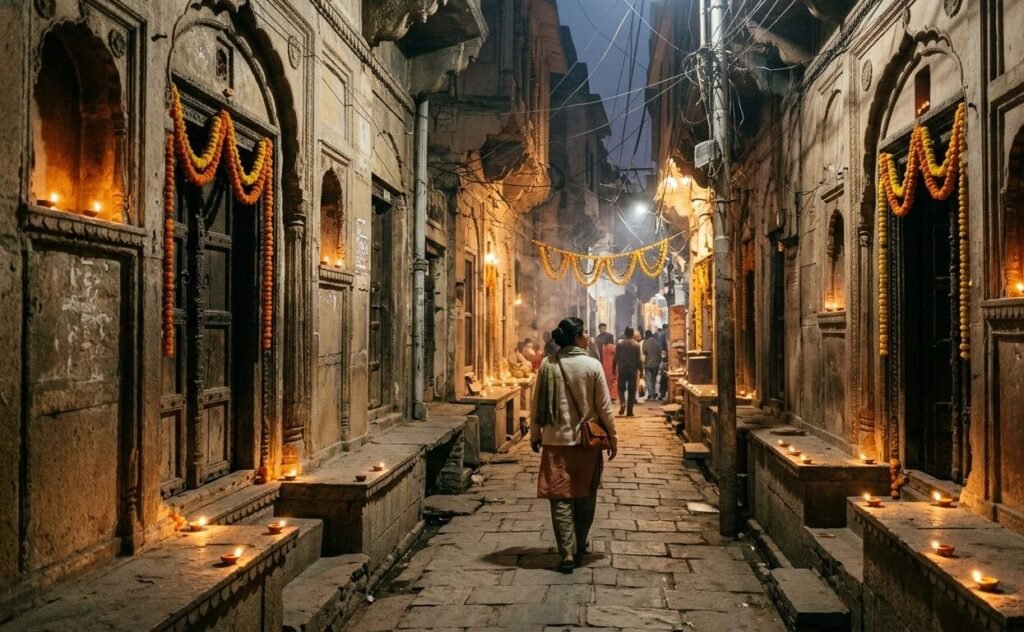
Tip: Give an exact number if you want one, like “about 20 diyas along the wall”. Tools usually follow a clear number better than “many diyas”.
If the result does not look right
- The face changed: Add “keep my face, eyes and skin tone exactly as in the photo” and try a brighter photo.
- The scene looks fake: Add “realistic photo, natural light, sharp details”.
- Something small is wrong: Keep the image and ask for one small fix, like “same image, but make the diyas a little brighter”. Do not rewrite the whole prompt.
- Check the details: Look at hands, fingers and the number of diyas before you post.
Read Related Blog: Chhath Puja Prompts
Final words
Start with Prompt 1 for the simplest result, and Prompt 2 if you want a photo that stands out on WhatsApp status. Try them, change a word or two, and make them your own. Happy Dev Diwali! rent in each one, so test the same prompt in two tools and keep the better image.
FAQs
Is Dev Diwali the same as Dev Deepawali?
Yes. Both names are used for the same festival on Kartik Purnima.
When is Dev Diwali in 2026?
Tuesday, 24 November 2026.
Which AI tool should I use?
These prompts are plain English, so you can try them in Gemini, ChatGPT or any other tool that accepts a photo. Results look a little different in each, so test the same prompt in two tools and keep the better image.