
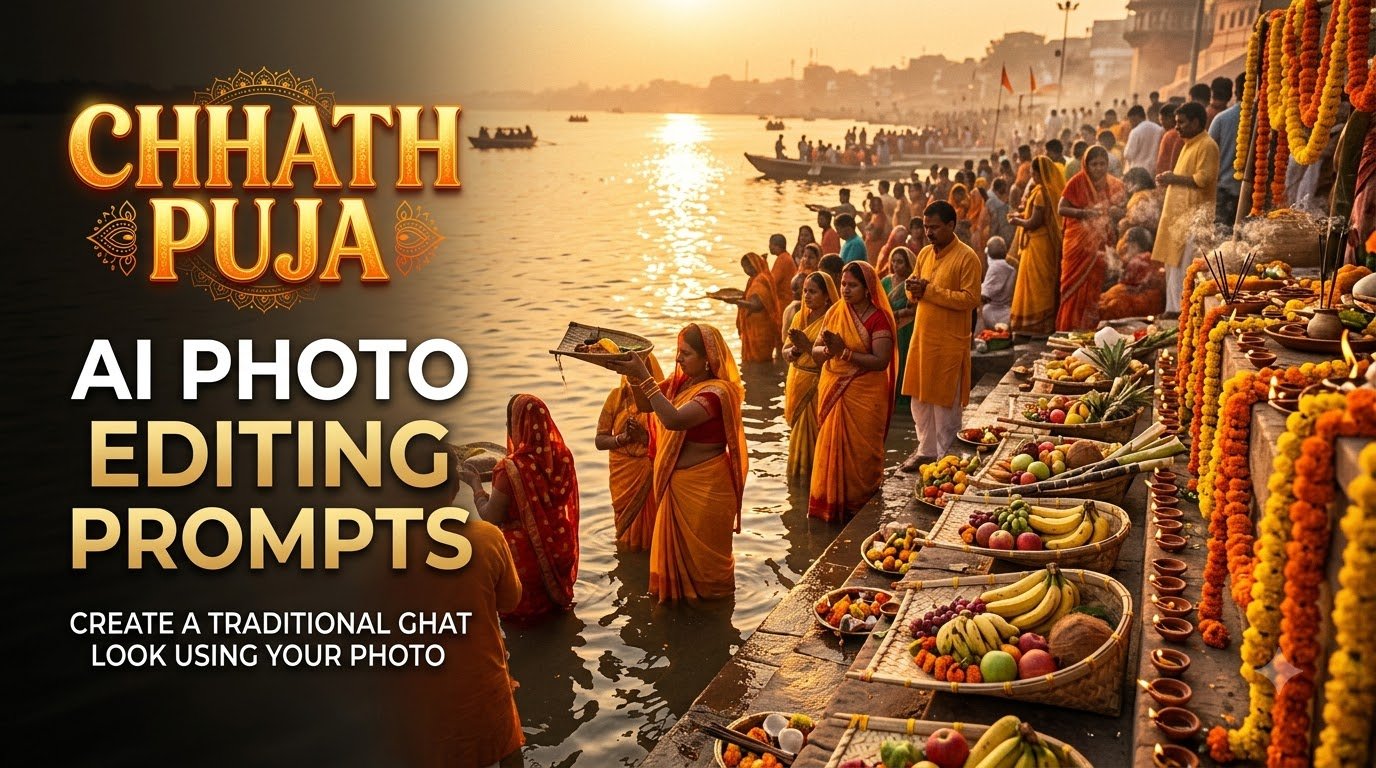
Chhath Puja is one of the most beautiful festivals to capture through photographs. From traditional sarees and kurta outfits to decorated bamboo baskets, glowing diyas and the golden sunrise at the river ghat, every detail makes the celebration special.
But what if you don’t have a photograph from a Chhath Puja ghat this year?
You can use AI photo editing tools to transform an ordinary selfie into a beautiful festive portrait with Gemini and Chatgpt. With the right prompt, you can create a traditional Chhath Puja look featuring a decorated riverbank, bamboo soop filled with fruits, warm golden lighting and a realistic festive background.
In this guide, you’ll find 4 Chhath Puja AI photo editing prompts for creating traditional ghat, saree, kurta and family portraits using your own photographs.
Each prompt is designed to preserve your original facial features while changing the outfit and surroundings.
Table of Content
How to Create a Chhath Puja AI Photo Using Your Own Picture
Follow these simple steps:
- Choose a clear photograph where your face is properly visible.
- Open an AI image editing tool that supports uploading reference photographs.
- Upload your picture.
- Copy one of the prompts below and paste it into the tool.
- Generate your image and check whether your face and outfit look natural.
- If the AI changes your face, ask it to preserve your original facial features and try again.
Tip: If you want a full-body traditional portrait, upload a full-body photograph. A close-up selfie may not provide enough information for the AI to recreate your body proportions and outfit naturally.
1. Traditional Chhath Puja Ghat Look – Main AI Photo Editing Prompt
This is the main prompt to try if you want a traditional Chhath Puja photograph. It creates a festive river ghat scene with a bamboo basket, traditional offerings, glowing diyas and a beautiful golden sunset.
Best for: Anyone who wants a traditional Chhath Puja portrait.
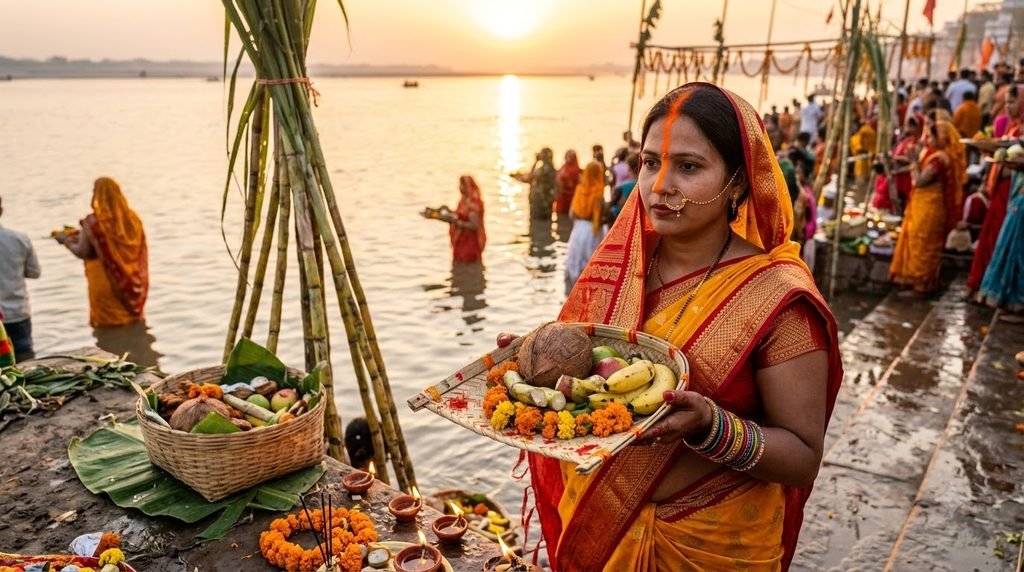
Copy this prompt:
2. Chhath Puja AI Photo Prompt for Girls – Traditional Saree Look
Want a beautiful traditional Chhath Puja portrait in a saree? This prompt creates a festive look with traditional jewellery, sindoor, bangles and a decorated ghat.
Best for: Girls and women who want a traditional Chhath Puja photoshoot look.
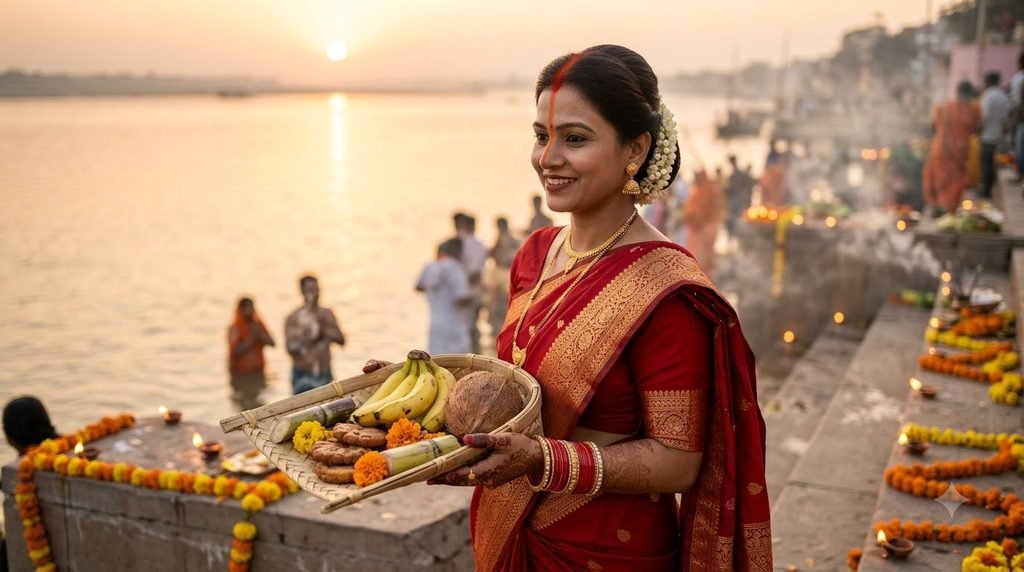
Copy this prompt:
3. Chhath Puja AI Photo Prompt for Boys – Traditional Kurta Look
This prompt creates a traditional men’s festive portrait with an elegant kurta, ethnic styling and a beautiful Chhath Puja background.
Best for: Boys and men who want a traditional festive photograph.
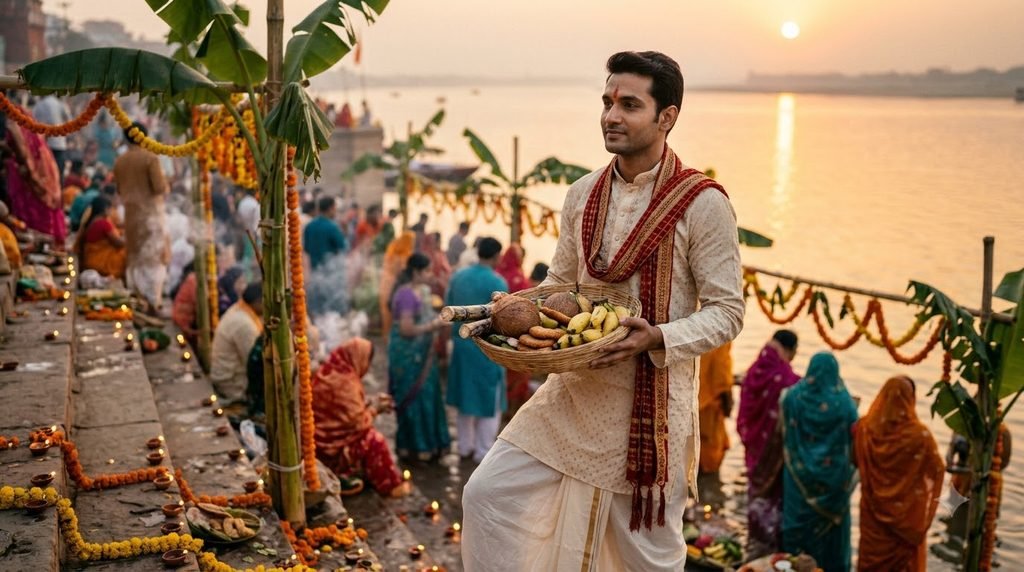
Copy this prompt:
4. Chhath Puja AI Family Portrait – Traditional Festive Look
Family photographs are among the most meaningful ways to celebrate Chhath Puja. Use this prompt to create a family portrait with a traditional festive background.
Best for: Families who want a group Chhath Puja photograph.
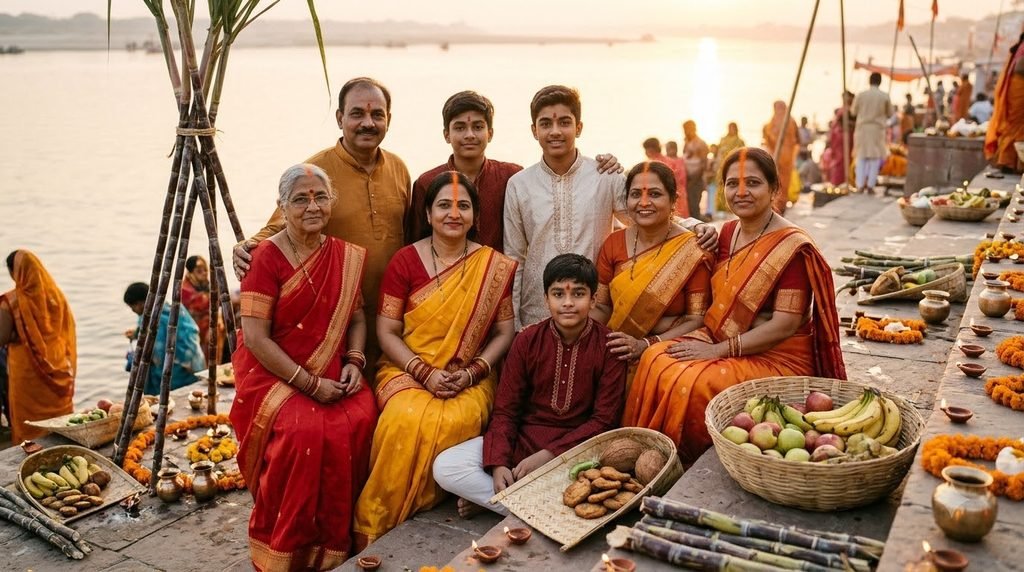
Copy this prompt:
How to Make Your Chhath Puja AI Photos Look More Realistic
Getting a good result is not just about choosing a long prompt. Your reference photograph and the instructions you provide also matter.
1. Choose the right reference photograph
Use a clear, high-quality photograph where your face is visible. Avoid heavily filtered selfies, very dark photographs and pictures where your face is partly covered.
2. Tell the AI what should remain unchanged
If the tool keeps changing your face, add this instruction to your prompt:
“Preserve the exact facial identity of the person in the uploaded reference photograph. Do not modify the face shape, eyes, nose, lips, skin tone or natural facial features.”
AI tools can still alter facial details, so always compare the final result with your original photograph.
3. Include traditional Chhath Puja details
Instead of writing only “Chhath Puja background”, mention the actual elements you want:
- Bamboo soop and daura.
- Bananas, coconuts and seasonal fruits.
- Sugarcane stalks.
- Thekua and other traditional offerings.
- Clay diyas and decorated ghats.
- Setting sun or rising sun over the river.
These details help create a more recognisable festive scene.
4. Don’t mix too many styles
If you want a traditional photograph, avoid combining unrelated instructions such as neon lighting, fantasy backgrounds, modern fashion and heavy cinematic effects. Choose one visual direction and keep the prompt focused.
5. Check the final image before sharing
AI-generated photographs can sometimes create incorrect objects, unusual hands, distorted jewellery or unrealistic offerings. Zoom in and check the details before posting the image.
Which AI Tools Can You Use for Chhath Puja Photo Editing?
You can try image-generation and image-editing tools that allow you to upload an existing photograph and provide text instructions.
- ChatGPT Images: Useful for creating and editing photographs through natural-language instructions.
- Google Gemini: Can be used for AI image generation and supported photo-editing workflows.
- Adobe Firefly: Offers AI image-generation and editing features, depending on the available plan and tools.
Features, availability and free usage limits can change. Before choosing a tool, check whether it supports reference-photo editing and how it handles facial consistency.
Final Thoughts
Chhath Puja photographs are special because they capture more than just festive clothing and decorations. They reflect family traditions, devotion and the beautiful atmosphere of the ghats.
With these four Chhath Puja AI photo editing prompts, you can experiment with traditional ghat scenes, saree looks, kurta portraits and family photographs using your own pictures.
Start with the traditional ghat prompt, upload a clear reference photograph and adjust the scene until it feels natural. Most importantly, keep the cultural details authentic and let the final photograph look like a real festive memory rather than an artificial AI creation with Daily Trending Prompts.
Frequently Asked Questions
1. What is the best Chhath Puja AI photo editing prompt?
The traditional ghat prompt is a good starting point. It combines your reference photograph with traditional clothing, a bamboo soop, fruits, sugarcane, diyas and a golden sunset.
2. Can I create a Chhath Puja photo using my normal selfie?
Yes. Upload a clear selfie to an AI image-editing tool that supports reference photographs. Paste your chosen prompt and ask it to preserve your original facial features while changing the outfit and surroundings.
3. How can I create a Chhath Puja saree look?
Upload a clear photograph and use a prompt describing the saree colour, golden border, jewellery, traditional styling and decorated ghat. Include an instruction to preserve your original face and skin tone.
4. Can I create Chhath Puja photos with my family?
Yes. Use a family photograph as the reference and specify that every person’s original face and identity should remain unchanged. For better results, use a clear photograph where everyone’s face is visible.
5. Why does AI change my face when editing a photograph?
AI tools may reinterpret facial details while generating a new scene, particularly when the original photograph is low quality or the requested transformation is extensive. Use a clear reference photo and repeat the facial-preservation instruction. Results may still vary between tools.