
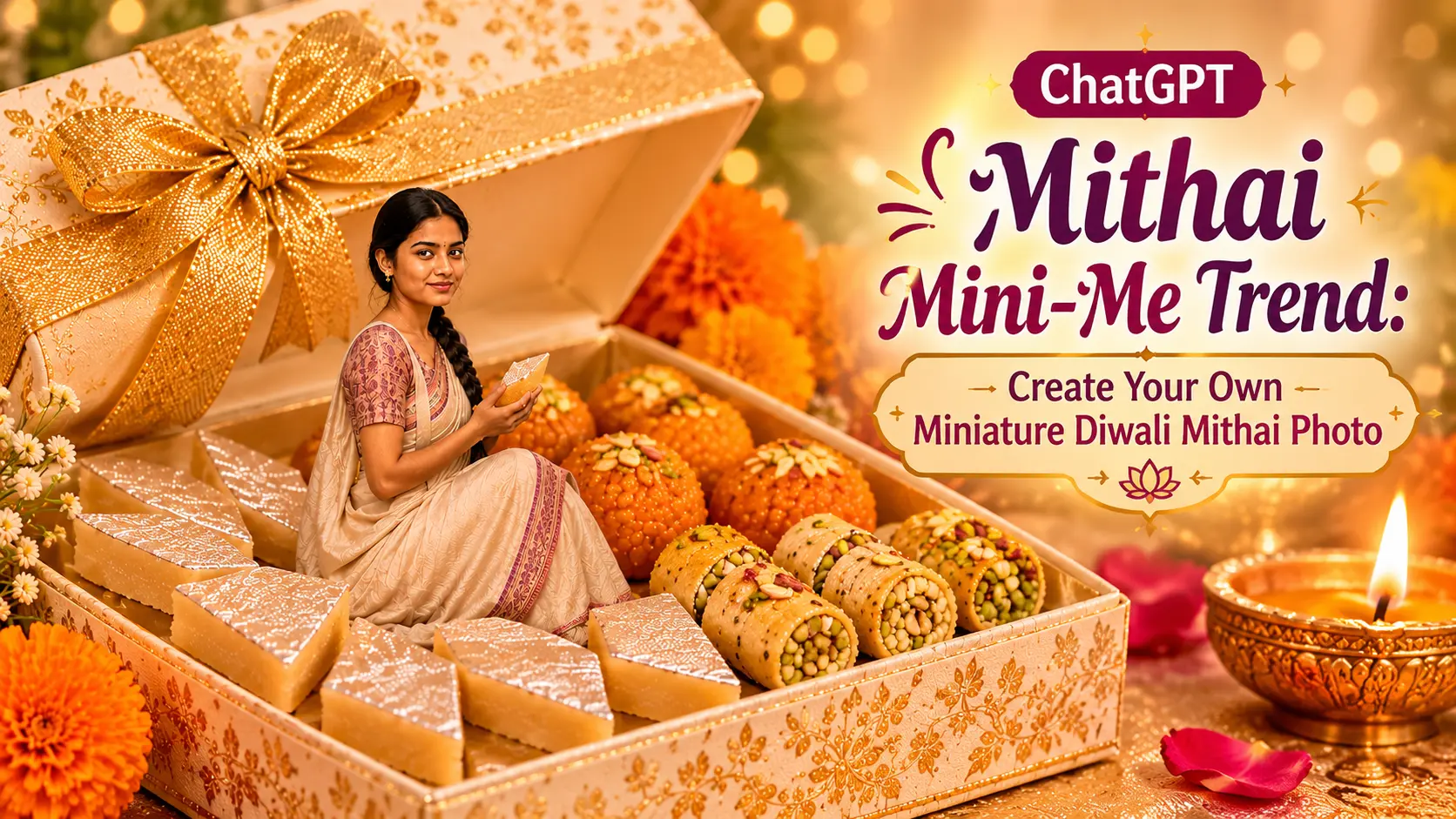
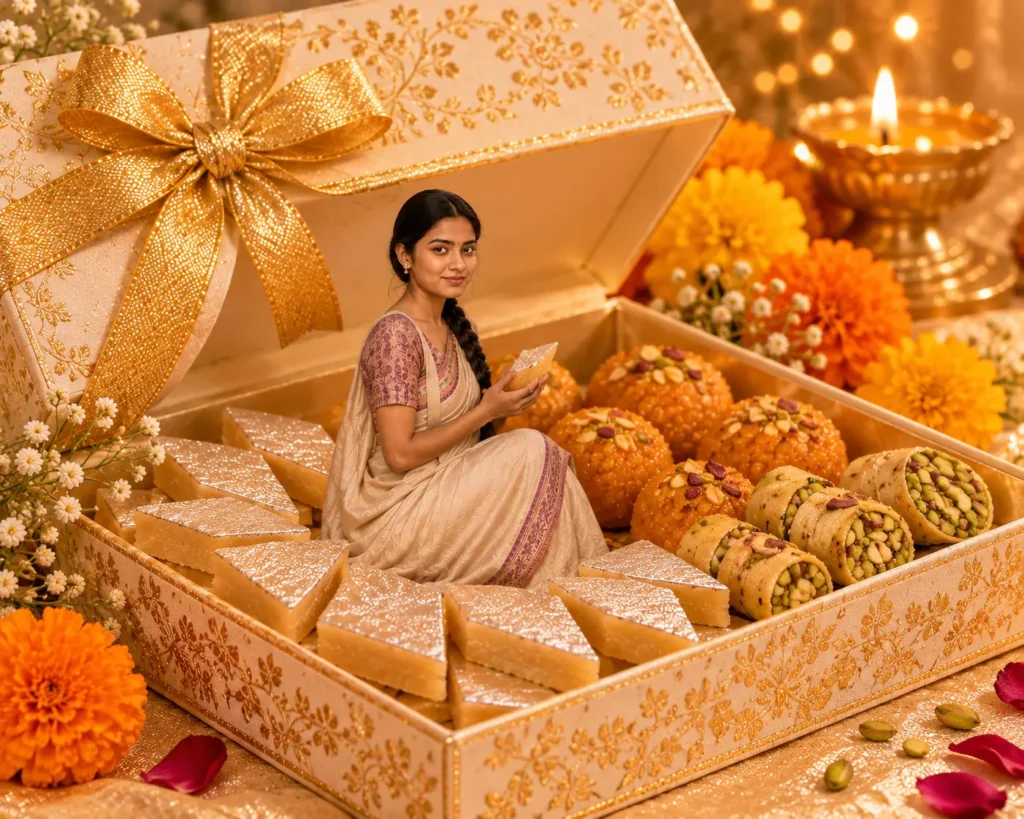
A new kind of AI photo edit is making festive pictures more fun. Instead of simply changing the background or turning a selfie into a cartoon, this idea places a miniature version of you inside a colourful Indian mithai box.
Imagine yourself sitting among laddoos, kaju katli and barfi, with a beautifully decorated gift box, marigold flowers and a festive Diwali setting around you. That’s the idea behind the ChatGPT Mithai Mini-Me trend.
The interesting part is that you can use your own photograph as a reference and ask ChatGPT to create a scene around it. You can also customise the sweets, outfit, colours and setting to make the final image feel more personal.
If you want to try this trend, here are four prompts you can copy and use.
What Is The ChatGPT Mithai Mini-Me Trend?
The Mithai Mini-Me trend is a creative AI photo-editing idea in which your photograph is transformed into a festive miniature scene. Your AI-generated mini version becomes part of an oversized Indian sweets box, surrounded by traditional mithai and Diwali decorations.
The result looks like a miniature person has stepped into a real festive gift hamper.
Unlike a regular AI portrait, this trend is all about the composition. The mithai box, tiny version of you, festive decorations and realistic shadows work together to make the image look like a photograph of a miniature world.
How To Create Your Mithai Mini-Me Photo Using ChatGPT
You don’t need any special photo-editing skills to try this.
- Open ChatGPT and go to the image generation option.
- Upload a clear photograph of yourself.
- Copy one of the prompts below and paste it into ChatGPT.
- Ask ChatGPT to generate the image.
- If the result doesn’t look quite right, ask it to correct your face, outfit, pose or the arrangement of the sweets.
A small tip before you start: Use a clear photograph where your face is visible. A full-body or three-quarter photograph can also help if you want your miniature version to be shown sitting or standing inside the box.
ChatGPT Mithai Mini-Me Prompts To Try
1. Classic Diwali Mithai Box Mini-Me
This is the closest version to the original trend. It places your miniature self inside a traditional Indian sweets box filled with festive favourites.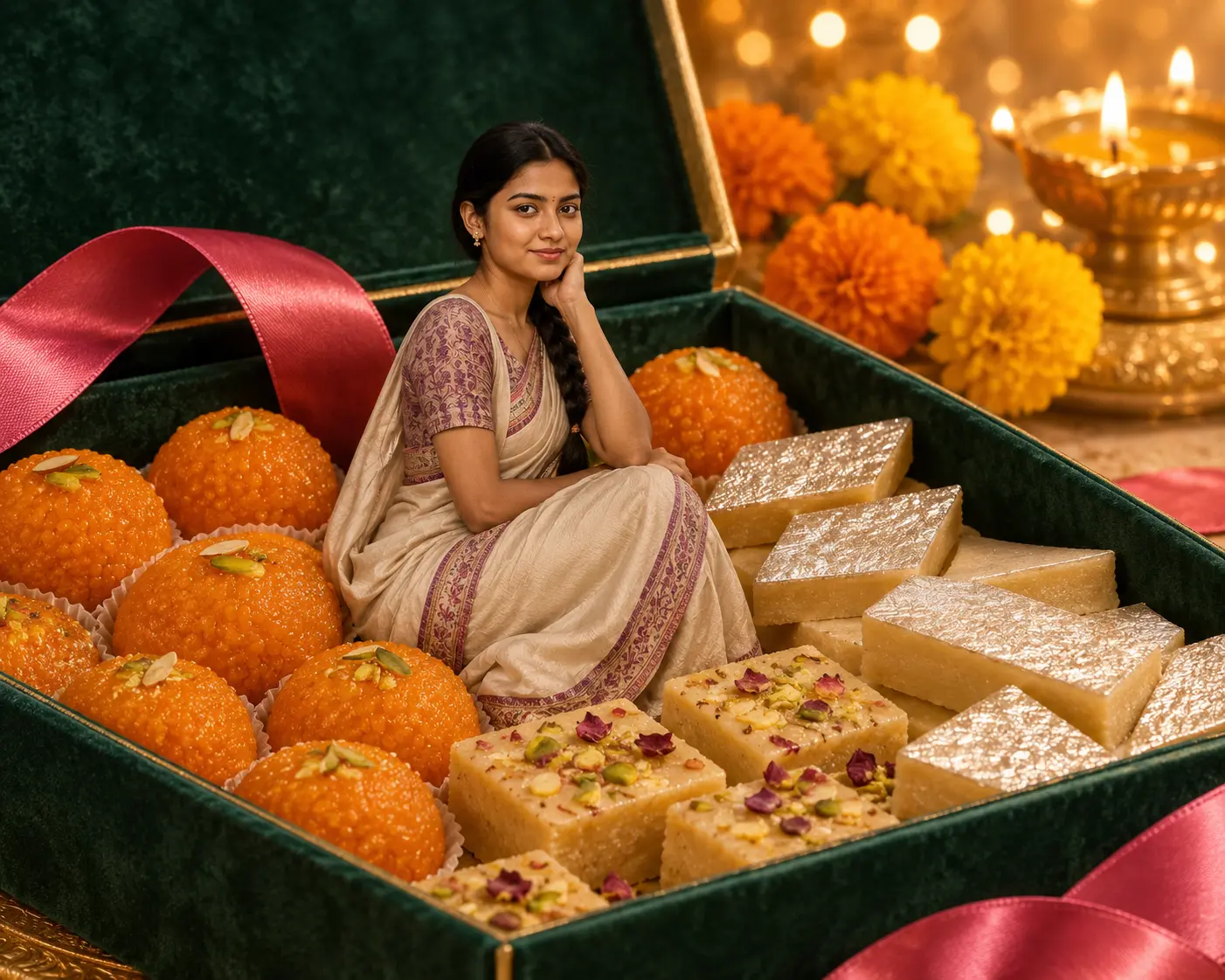
Copy this prompt:
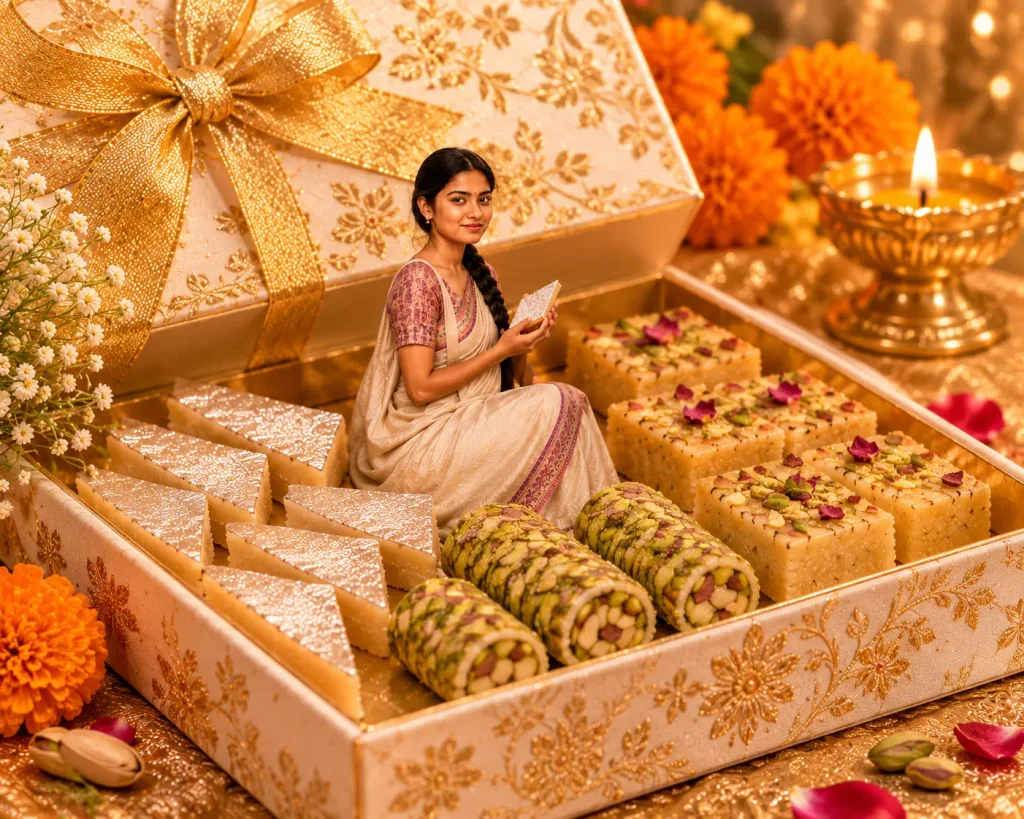
2. Mini-Me Inside A Luxury Kaju Katli Box
If you prefer a cleaner and more elegant look, try this version. The focus is on premium mithai packaging, soft colours and a beautifully arranged gift box.
2. Copy this prompt:
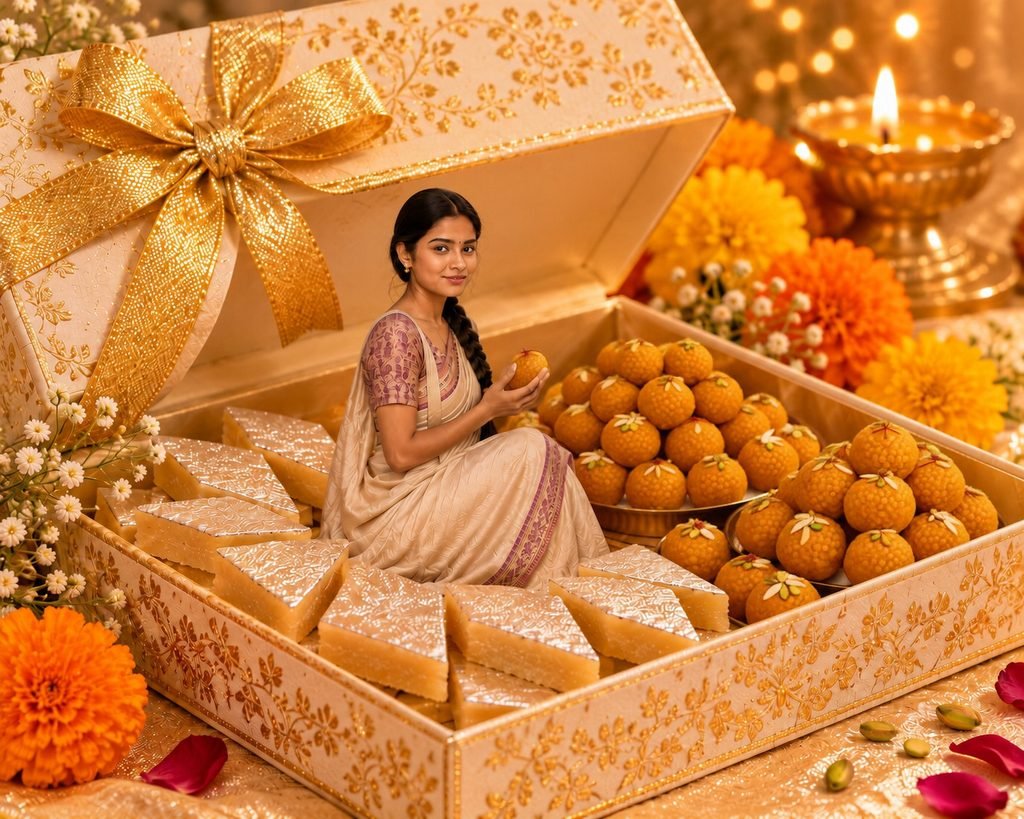
3. Cute Mini-Me Surrounded By Laddoos
Want something more playful for Instagram? This version makes the miniature character interact with the sweets instead of simply sitting inside the box.
Copy this prompt:
4. Traditional Diwali Mini-Me Gift Hamper
This one is ideal if you want a more traditional festive photograph with Indian decorations and a rich Diwali colour palette.
Copy this prompt:
How To Get A Better Result From ChatGPT
The prompt matters, but the photograph you upload also makes a difference. Here are a few things worth trying if your first result doesn’t look as expected.
- Your face looks different: Add the instruction “Preserve my original facial identity and do not change my facial features.”
- The miniature looks too large: Ask ChatGPT to reduce the person’s size in relation to the mithai box and sweets.
- The sweets look artificial: Mention realistic Indian mithai textures, natural food details and soft shadows.
- The image looks too cartoonish: Add “photorealistic miniature photography, realistic human proportions and natural lighting.”
- Your clothes have changed: Clearly ask ChatGPT to preserve the outfit from your uploaded photograph.
One more useful trick: Don’t change the entire prompt if you only dislike one part of the image. Ask ChatGPT to fix that particular detail while keeping the rest of the composition unchanged.
Can You Use These Mithai Mini-Me Images On Instagram?
Yes, you can use your generated images as creative social media posts, festive greetings or profile content. A portrait or square composition can work well for Instagram, while a vertical 4:5 image is useful for feed posts.
You can also personalise the scene by changing the sweets, box colours and decorations. For example, use orange and gold for a traditional Diwali look, or pink and green for a more colourful festive style.
Remember: Upload your own photograph or one you have permission to use, especially when generating images of other people.
Final Thoughts
The fun of the Mithai Mini-Me trend is that it turns an ordinary photograph into something much more personal. You don’t have to settle for the same mithai box or festive background as everyone else. Try different sweets, colours, outfits and poses until you get a result that feels like your own.
Start with the classic mithai box prompt and then experiment with the other three versions. Sometimes, a small change in the setting or composition can make the final image much more interesting.